New How-To Guide: Get Your Whole Team on the ScaffPal App
NASC has published a new step-by-step guide showing you exactly how to add colleagues to your organisation's NASC account and get them up and running on ScaffPal and we're encouraging all members to take just five minutes to do it.
Download the guide below for a simple visual walkthrough, from adding a user through the NASC website to their first login on the app.
Why add your team?
Your NASC membership covers your organisation; not just one inbox. Yet in many member companies, only one or two people have access to ScaffPal and the member area, meaning industry updates, event news and NASC resources reach just a fraction of the people who'd benefit from them.
Adding users yourself takes minutes, and you stay in control: the User Access area lets you add, edit or remove colleagues at any time, and assign the right permissions; from administrators who can manage your organisation's details to finance contacts who can view and pay invoices. Each new user simply receives an invitation email, sets their password, and logs into the app once.
Why ScaffPal?
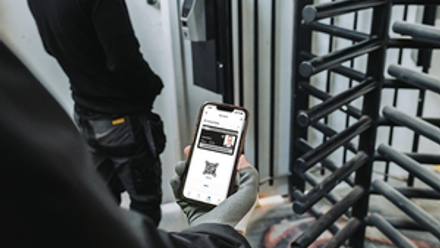
ScaffPal puts NASC in your team's pocket:
The app delivers the latest industry news and alerts as they happen, so your people hear about important developments directly rather than second-hand. Event information, including ScaffEx26, is all in one place, with the ability to add events straight to their calendar. And personalised shortcuts mean everyone can pin the features they use most, from latest news to member resources.
The more of your team connected, the more value your membership delivers; on site, in the office, or on the move.
Get started today
Download the how-to guide attached below, add your colleagues in the User Access area of your organisation's account, and point them to the ScaffPal App on the Apple App Store or Google Play.
Any questions or trouble getting set up? Contact the NASC team at [email protected] or on 020 7822 7400 and we’ll be happy to help.
 How to - Set Up a User for ScaffPal.pdf